Know what your team really thinks








Surveys that feel natural
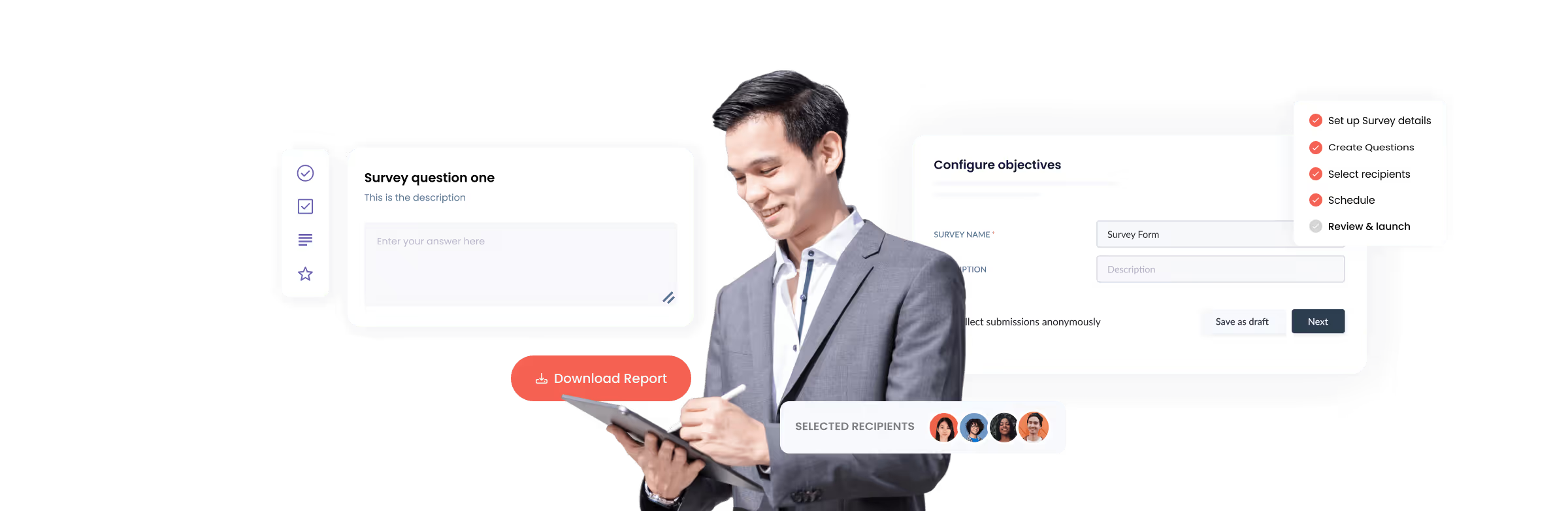
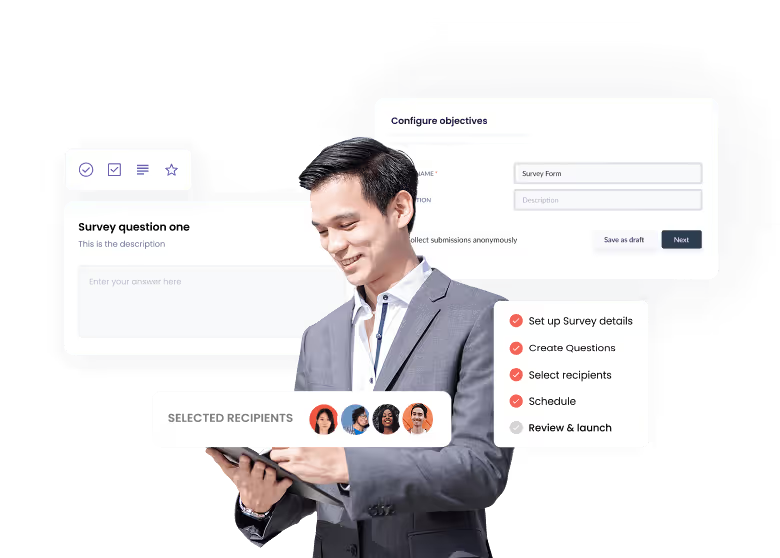
When surveys are easy to launch and everyone feels heard, teams stop staying silent and start speaking up. That continuous feedback becomes how you actually run.

“When surveys are easy to launch and everyone feels heard, teams stop staying silent and start speaking up. That continuous feedback becomes how you actually run.”



Insights in minutes, not weeks
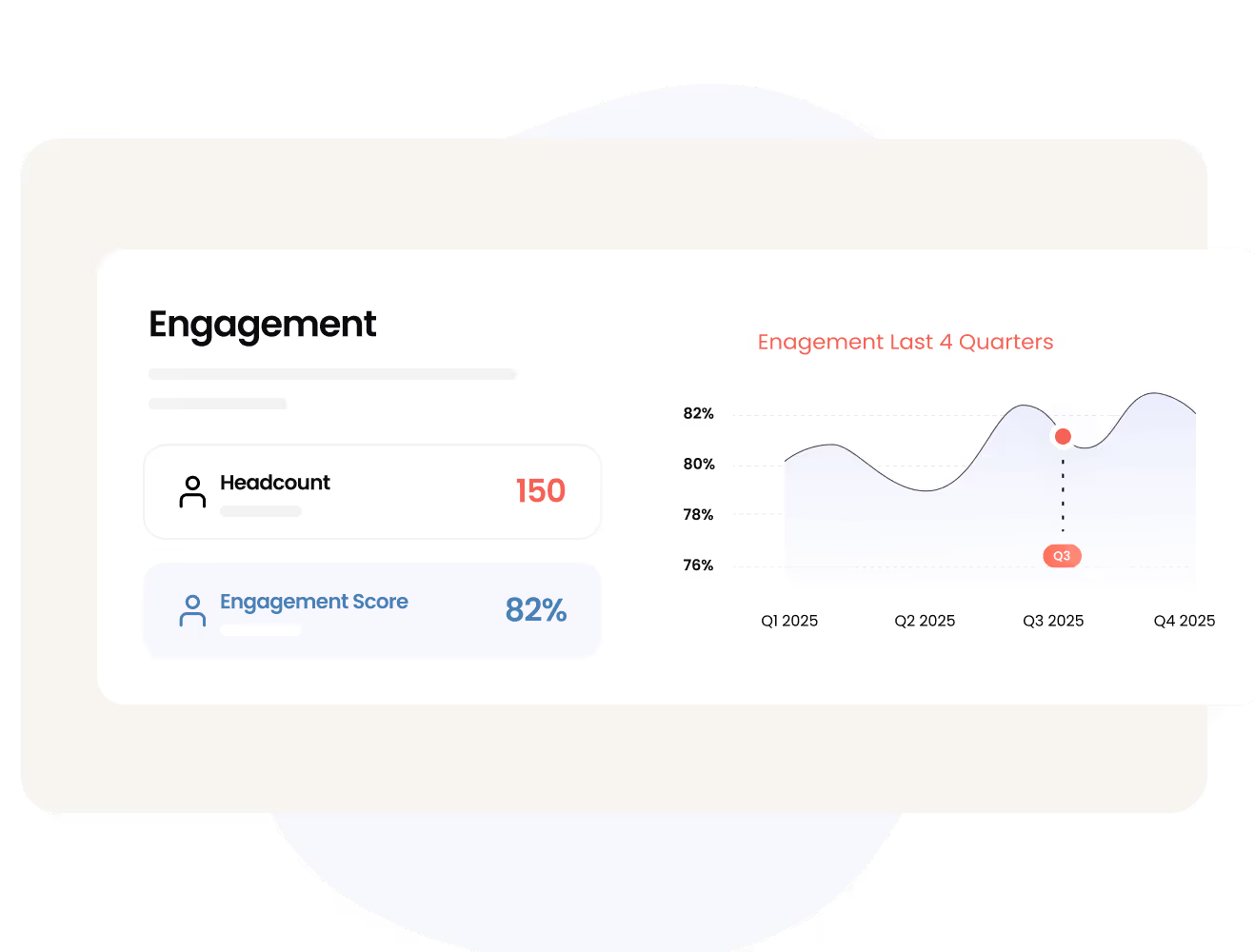
Stop copying responses into spreadsheets and waiting days to spot trends. Real-time dashboards show you sentiment, engagement scores, and what's actually happening across your team right now.
From answers to decisions
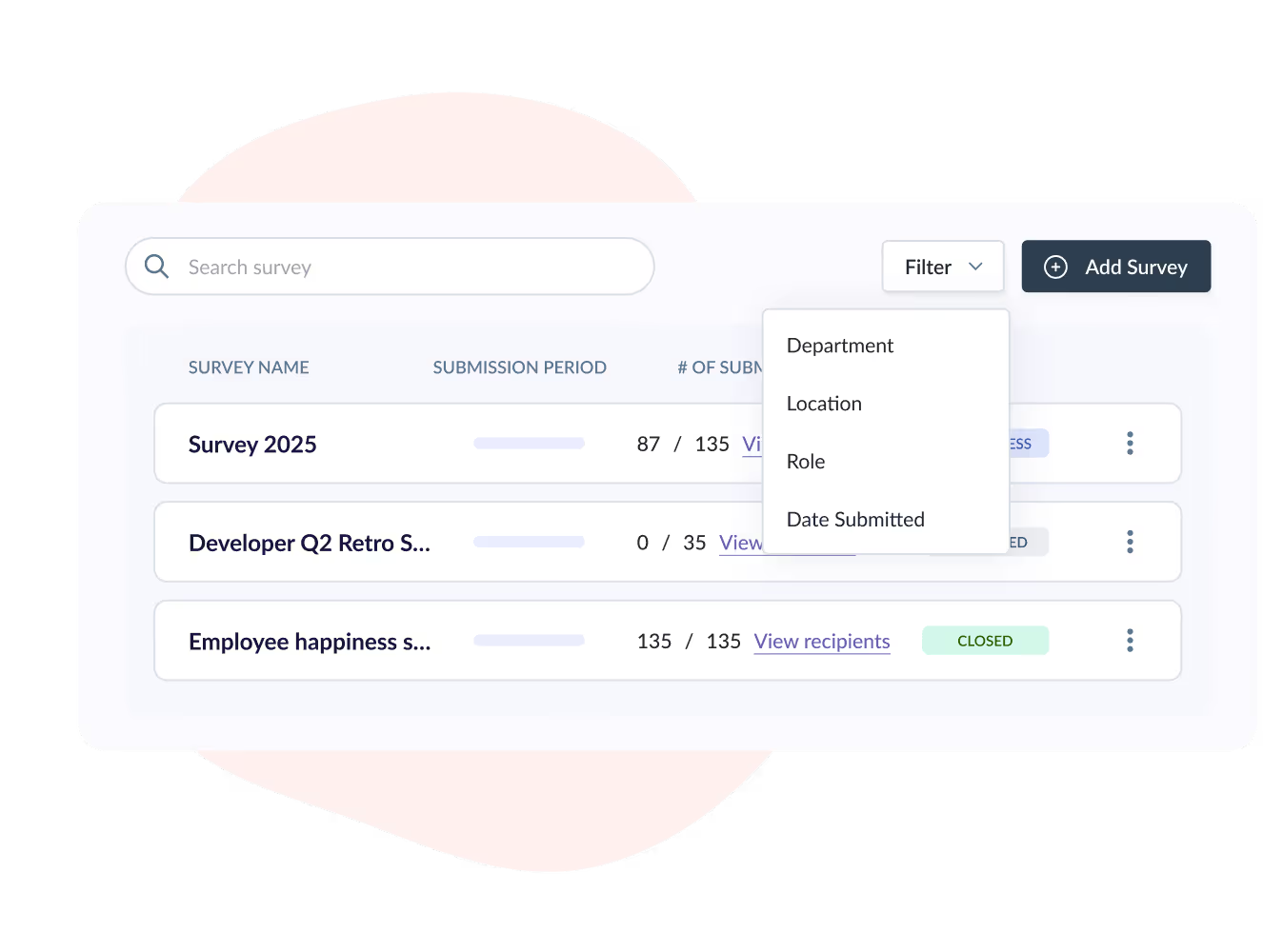
Feedback only matters if you do something with it. Filter results by team, location, or role, spot problems early, and actually follow up so people see that their voice created change.

.avif)



Automated for your whole HR system
Launch surveys automatically when people join or leave, connect results to employee records, and let your team respond from phone or desktop.
We make HR easy – companies all over Asia agree



.avif)
Reasons To Love Omni HR

COMPLIANCE LEADERS IN ASIA

ALL-IN-ONE MODERN HRIS

LOCAL AWARD-WINNING SUPPORT

AUTOMATION + INTEGRATION

SELF-SERVICE & MOBILE

BANK-GRADE SECURITY

Our customers love us!
(you will too)
Why These Asian Businesses Are Switching to Omni HR?
















Omni's automated workflows ensure consistent onboarding across all regions, eliminating human errors as we scale.


I love that every single functionality is flexible so we can customize anything to meet the unique needs of our company. Working with Omni is an amazing experience, I feel that they’re more like our partners than our HRIS.


Omni's data insights helped us identify retention issues early and take action, transforming how we support our teams.


Omni takes away the stress of following up on crucial HR tasks and helps us execute seamless workflows. As a team, we’re able to better plan our time and focus on the human element of HR to best support our employees.


The automated graphs help us to easily see the growth of our company and monitor our team’s time off for seamless schedule management. We could feel the improvement in our HR functions instantly.


Omni is a wonderful tool that has made our HR life easier. It allows us to easily manage all the necessary parts of our People process and have more time for impactful initiatives.


Since switching to Omni, our HR processes have become significantly more efficient. The user-friendly interface and automated features have saved us considerable time and reduced errors.


I’m blown away by Omni’s commitment to build a better HR software to help businesses resolve their HR challenges. For any fast-growing companies out there, Omni is the HR system for you.

More features for you
Employee Database

Frequently Asked Questions
(FAQs)
The survey feature in Omni's HRIS (Human Resources Information System) is an integrated feedback collection tool that allows HR teams to create, distribute, and analyze employee surveys without external survey platforms. Omni's survey system includes a customizable form builder with multiple question types, targeted recipient selection using employee database filters, optional anonymous response collection, automated distribution and reminders, real-time completion tracking, and comprehensive reporting—streamlining employee engagement surveys, pulse checks, exit interviews, and feedback initiatives.
Omni's survey system supports multiple question types including single select (one answer from multiple options), multi-select (multiple answers from options), rating scales (numeric or star ratings), and long answer (open-ended text) questions. This flexibility allows you to design various survey types from quantitative engagement assessments with rating scales to qualitative feedback collection with open-ended questions—or combine question types for comprehensive feedback that captures both measurable data and detailed employee perspectives.
Yes, Omni's survey system includes an optional anonymous submission feature. When creating a survey, you can enable "Collect submissions anonymously" to ensure no respondent data is captured or included in survey reports. This anonymity encourages honest feedback on sensitive topics like management effectiveness, workplace culture, or organizational concerns. You control anonymity settings per survey—using anonymous collection for engagement surveys while maintaining attribution for exit interviews or feedback that requires follow-up.
Omni's survey system connects directly to your employee database, allowing you to select recipients using filters including probation status, start date, last day of work, location, company, department, team, position, and employment type. Target surveys to your entire organization, specific departments, employees in particular locations, new hires within their first 90 days, or any custom combination of criteria. This targeted distribution ensures feedback comes from the exact population you need insights from without manual list creation or external distribution tools.
When a survey launches, employees receive an email notification and the survey appears in their To Do tab within Omni. Employees access the survey through the platform they already use for HR tasks, complete the questions, and submit responses. Upon submission, the survey task automatically moves to the Done tab for easy tracking. If a survey remains incomplete past the submission deadline, the outstanding task moves to the Expired section—maintaining organized task management without cluttering active to-do lists.
Yes, Omni's survey system includes duplicate survey functionality for quick recurring feedback launches. From the survey listing page, click the 3-dot menu on any survey and select "Duplicate." The system automatically copies the survey name, description, and anonymous collection checkbox—creating a foundation for recurring engagement surveys, quarterly pulse checks, or annual culture assessments. You cannot duplicate survey names, ensuring clear differentiation between survey cycles while eliminating manual question re-entry.
Omni's survey system provides real-time dashboards showing survey completion status. View the number of submissions, see which employees have completed surveys, and identify who has outstanding responses. Filter survey lists by status (active, completed, draft) to monitor progress across multiple surveys simultaneously. Access detailed recipient lists showing names, departments, and positions to identify response patterns by team or location—helping you gauge participation and determine when surveys have sufficient responses for meaningful analysis.
Yes, Omni's survey system includes scheduled launch capabilities. When creating a survey, set the launch date (default is today's date) and specify the submission deadline as a number of days from the start date—7 days for 1 week, 14 days for 2 weeks. This day-based deadline simplifies scheduling without requiring specific date picker selections. The system automatically sends survey invitations on the scheduled launch date and tracks progress until the submission deadline.
Omni's survey system generates comprehensive downloadable reports containing all survey data, detailed responses from respondents, submission timestamps, and submission data (when not collected anonymously). Download reports for further analysis, share with leadership for decision-making, or archive for compliance and record-keeping. All survey data remains stored in Omni, and you can access historical surveys and responses at any time for trend analysis or comparison across survey cycles.
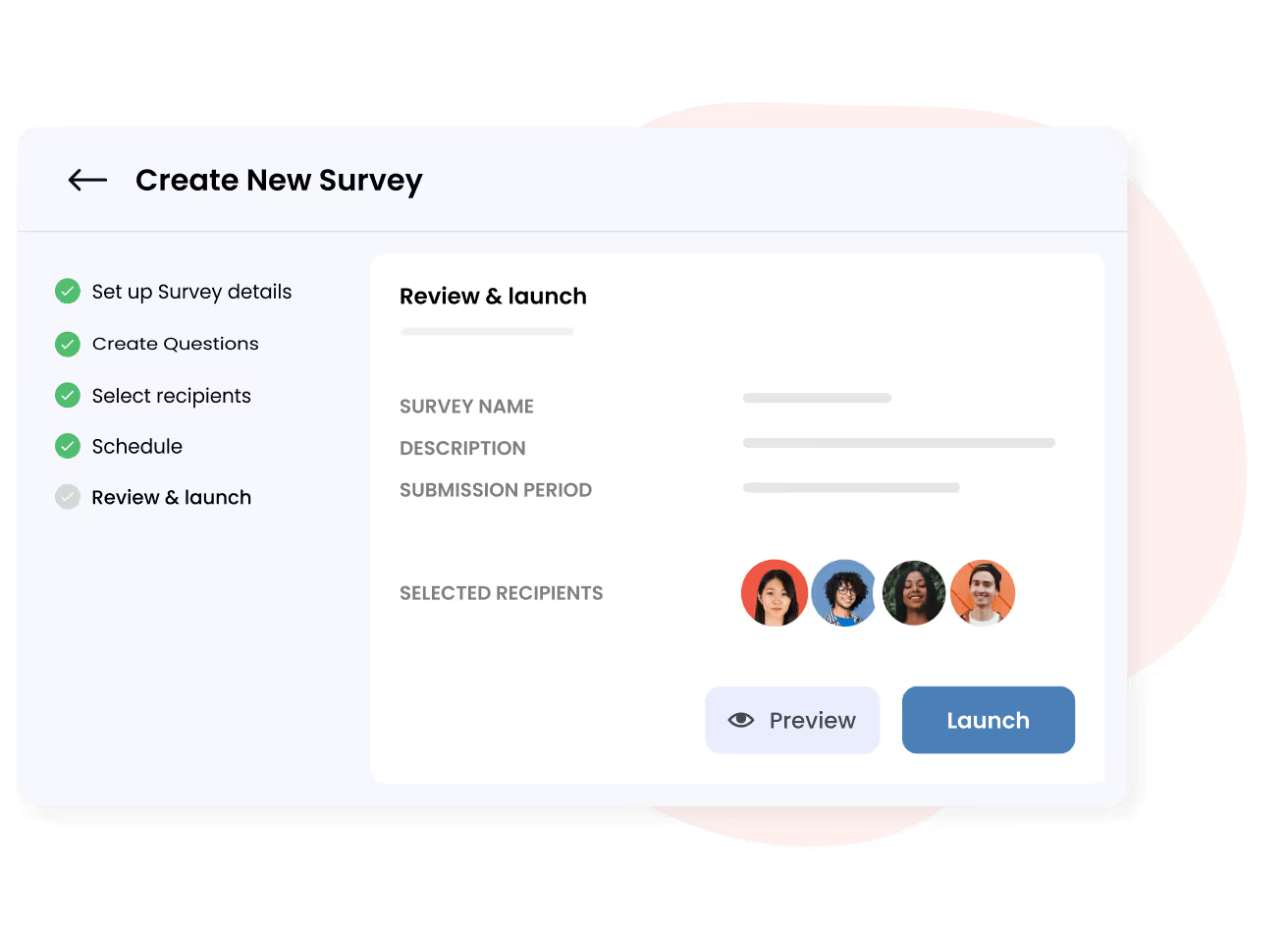
Yes, Omni's survey system includes a preview feature that displays the survey exactly as respondents will see it, including all questions and formatting. Review the survey form before launching to ensure questions appear correctly, the flow makes sense, and the survey collects the intended information. This preview capability prevents errors, ensures professional presentation, and gives you confidence in the employee experience before distribution.
Omni HR makes growingand managing teams effortless.